Task Management Without the Overhead
Create tasks, assign team members, set priorities and due dates, manage subtasks — all in a fast desktop app that works offline.
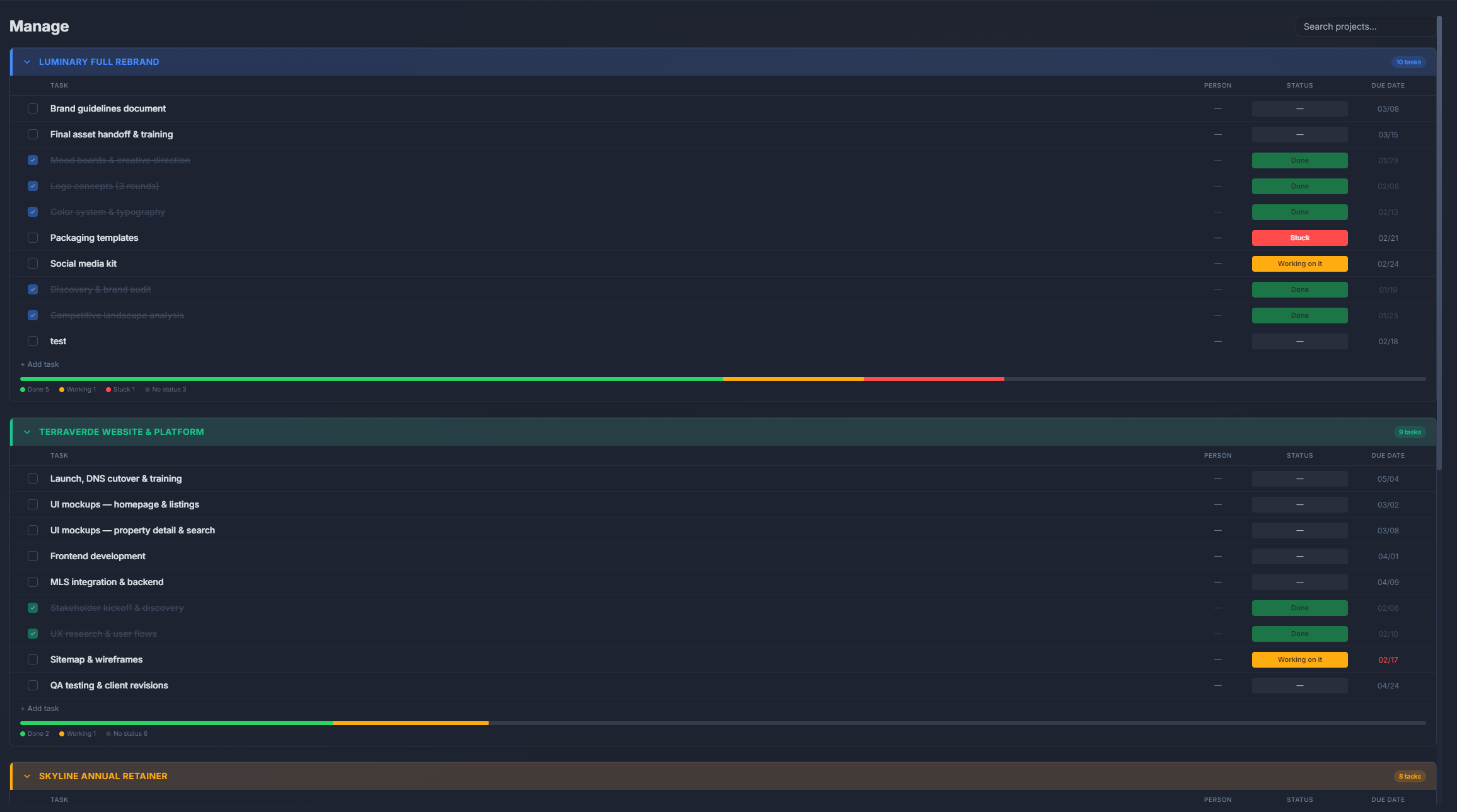
How It Works
Create a task
Add a title, set priority and due date, assign to a team member. That's it — you're tracking.
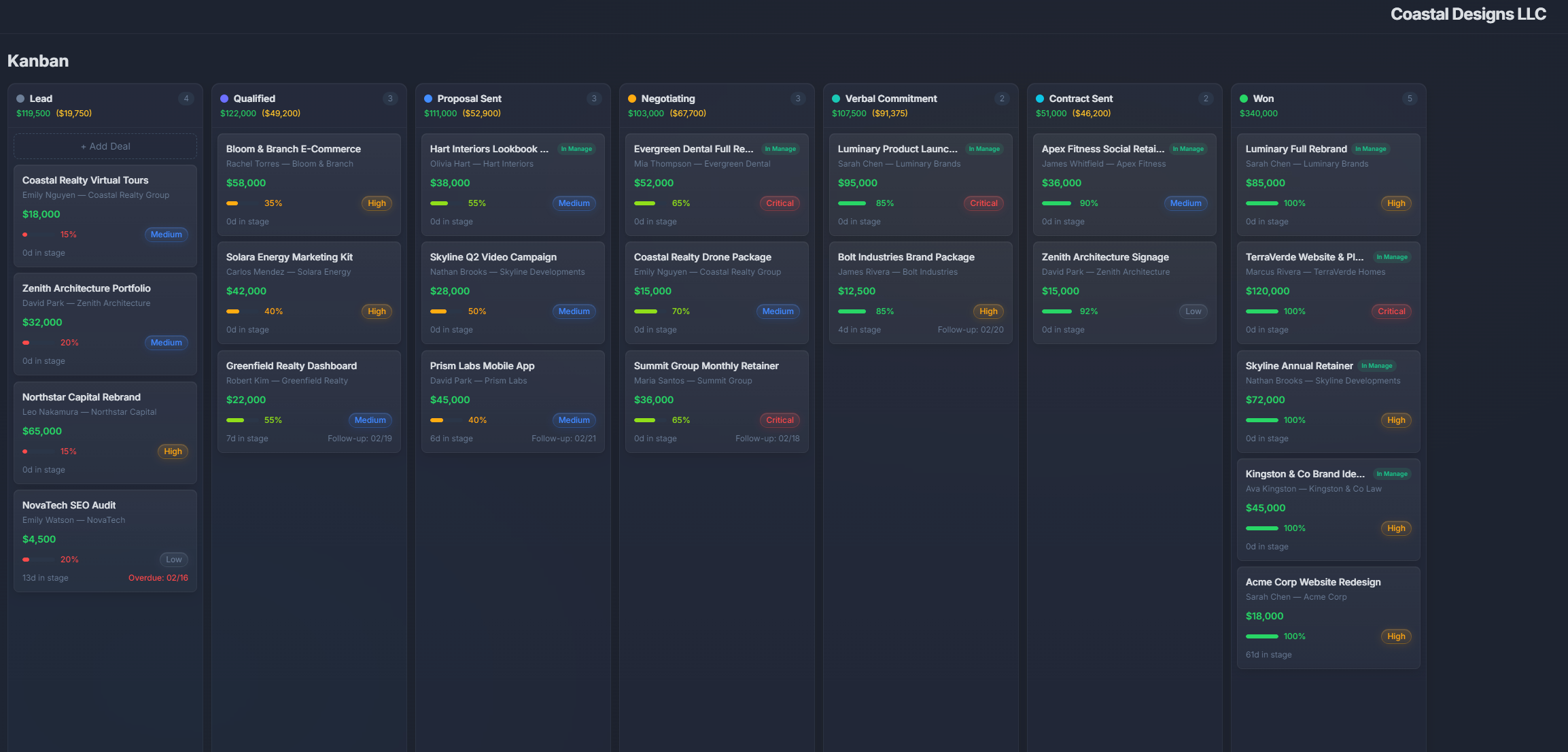
Organize on your board
Tasks appear on your Kanban board. Drag between columns as work progresses.
Switch views
See the same tasks as a list, calendar, or Gantt chart. One click to change perspective.
Set up recurring tasks
Automate repeating work. When a recurring task completes, the next one creates automatically.
What's Included
Task creation made simple
Create tasks with a title, description, assignee, due date, priority, and labels. Add details as needed — nothing is required.
Multiple views
View tasks as a Kanban board, list, Gantt chart, or calendar. Switch views with one click — same data, different perspective.
Team assignments
Assign tasks to team members. See each person's workload at a glance. Re-assign with drag and drop.
Recurring tasks
Automate routine work. Set tasks to repeat on any schedule — daily, weekly, monthly, or custom intervals.
Subtasks and checklists
Break down complex tasks into subtasks. Track completion with progress indicators.
Priority levels
Mark tasks as Low, Medium, High, or Urgent. Filter and sort by priority to focus on what matters most.
Task management comparison
| Feature | PlannedIt | Others |
|---|---|---|
| Task boards | ✓ | Most tools |
| Recurring tasks | Paid plans | Paid tiers usually |
| Subtasks | ✓ | Most tools |
| Multiple views (board, list, Gantt) | Board free, others paid | Paid tiers usually |
| CRM integration | Built-in | Third-party only |
| One-time purchase | $99 | $5–12/user/mo |
Task management included, no add-ons
The task board is available on the free plan. Paid plans ($99+) unlock recurring tasks, Gantt charts, calendar view, and all advanced features. No per-seat charges.
14-day free trial of all features. Free tier keeps board view, 3 deals, and 3 projects forever.