Kanban Boards for Deals & Tasks
Drag-and-drop cards across columns to manage your sales pipeline and project tasks. Two Kanban views — one for deals, one for projects.
What's Included
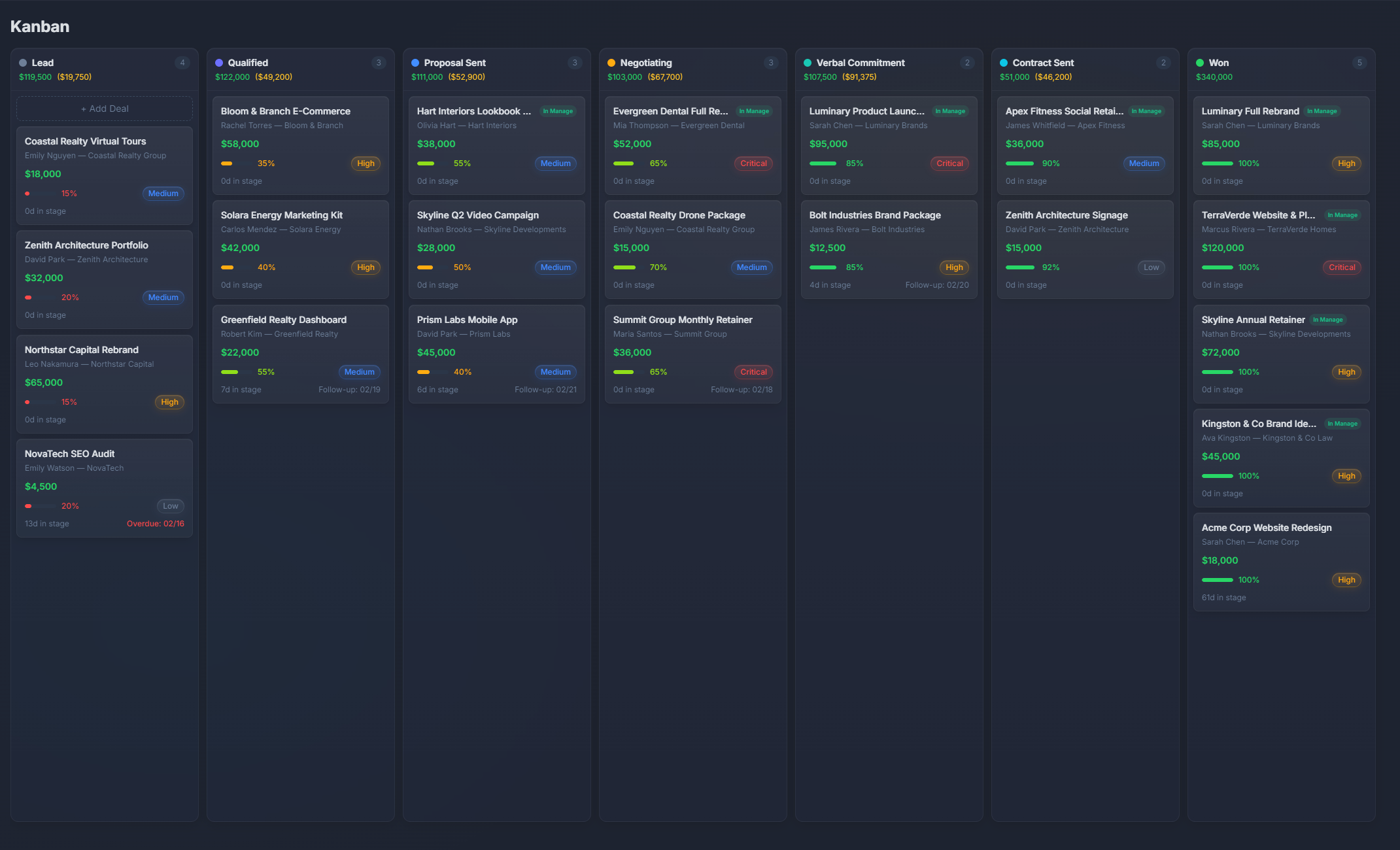
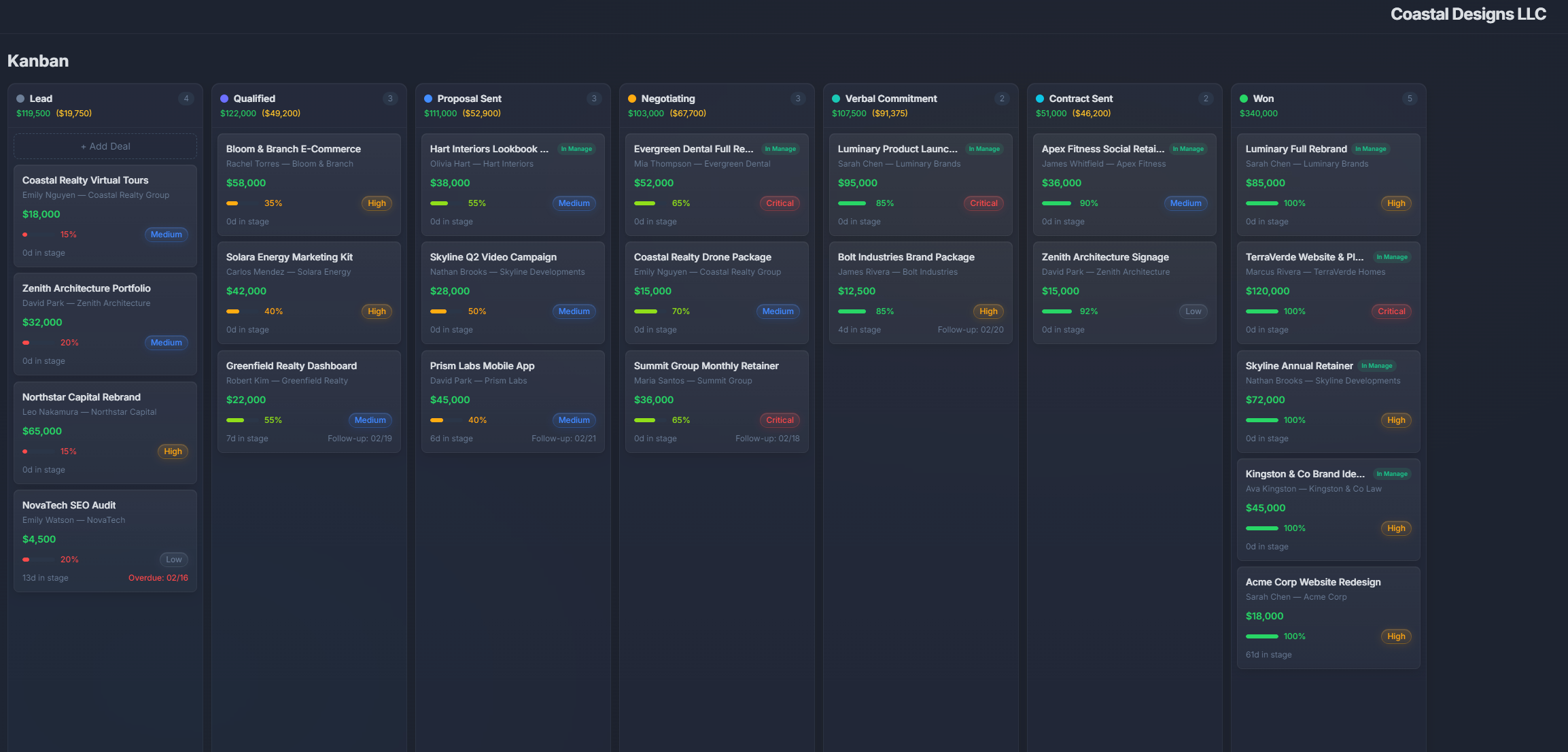
Deal pipeline board
Visualize your sales pipeline as a Kanban board. Drag deals between stages — Lead, Qualified, Proposal, Won, Lost.
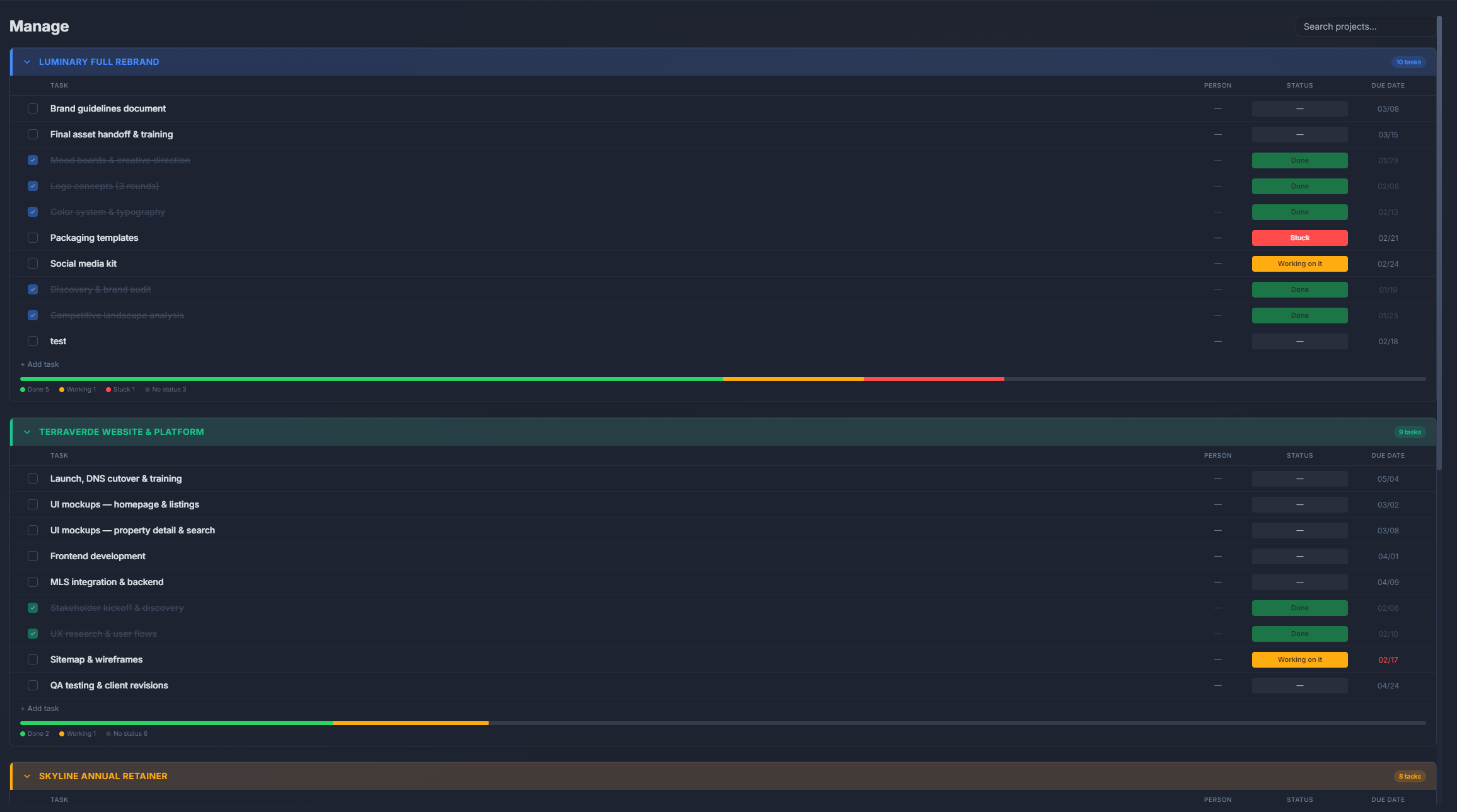
Task boards
Manage project tasks with Kanban columns. Custom statuses like To Do, In Progress, Review, Done. Drag to update.
Drag-and-drop
Move cards between columns with a click and drag. Card order is preserved. Status updates automatically.
Assignees and due dates
Each card shows the assignee, due date, and priority. See at a glance who's doing what and when it's due.
Labels and filtering
Tag tasks with labels for easy categorization. Filter boards by assignee, priority, or label to focus on what matters.
Deal values on cards
Pipeline cards show deal values, expected close dates, and contact info. See your revenue potential at each stage.
Kanban board comparison
| Feature | PlannedIt | Others |
|---|---|---|
| Kanban boards | ✓ | Most tools (free tier) |
| CRM pipeline board | ✓ | CRM tools only |
| Task + Deal boards | Both included | Usually one or the other |
| Offline access | ✓ | Rarely |
| Local data | ✓ | Cloud-only |
| One-time purchase | $99–149 | $5–36/user/mo |
Kanban boards without the subscription
Most tools offer basic Kanban for free but charge for features like custom fields, filters, and integrations. PlannedIt includes full Kanban boards in every plan — including the free tier (limited to 3 active deals + 3 active projects).
14-day free trial of all features. Free tier keeps board view, 3 deals, and 3 projects forever.